Is this workflow only for print businesses?
No. Templates can support fabrication, signage, workshop work, installation, specialist services, and other multi-stage production, as well as general and field service jobs.
SharpFleet is a connected operations platform for businesses that manage Jobs, Fleet, or both.
It connects quotes, configurable service and production workflows, customer approvals, subcontractors, field work, vehicles, deliveries, billing review, reporting, and optional GPS where enabled.
This page explains how SharpFleet supports configurable production and workshop workflows with ordered tasks, required specifications, proof approvals, subcontractor work orders, evidence, notifications and billing review.
Production work is rarely one task. Design may happen in-house, a customer may approve a proof, fabrication or printing may follow, and installation may be assigned to a subcontractor before the customer is notified.
SharpFleet keeps those stages on one job while letting each business create templates that suit its own work. The workflow is not limited to printing: it can support fabrication, signage, workshop work, installation, specialist services, and other multi-stage production.
These previews use generic job numbers and anonymised data only, so customer names, staff names, addresses, private files and real account details are not shown.
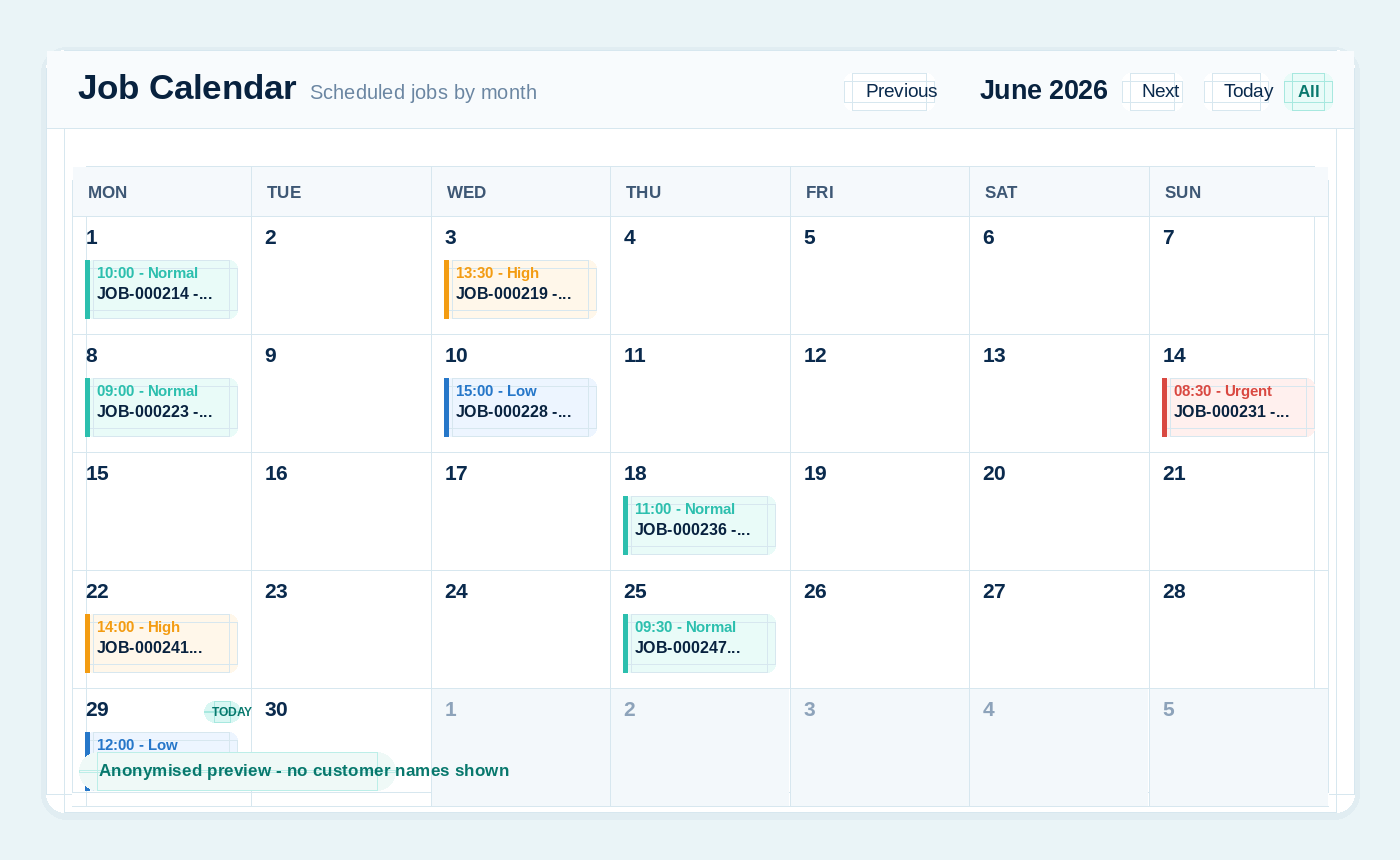
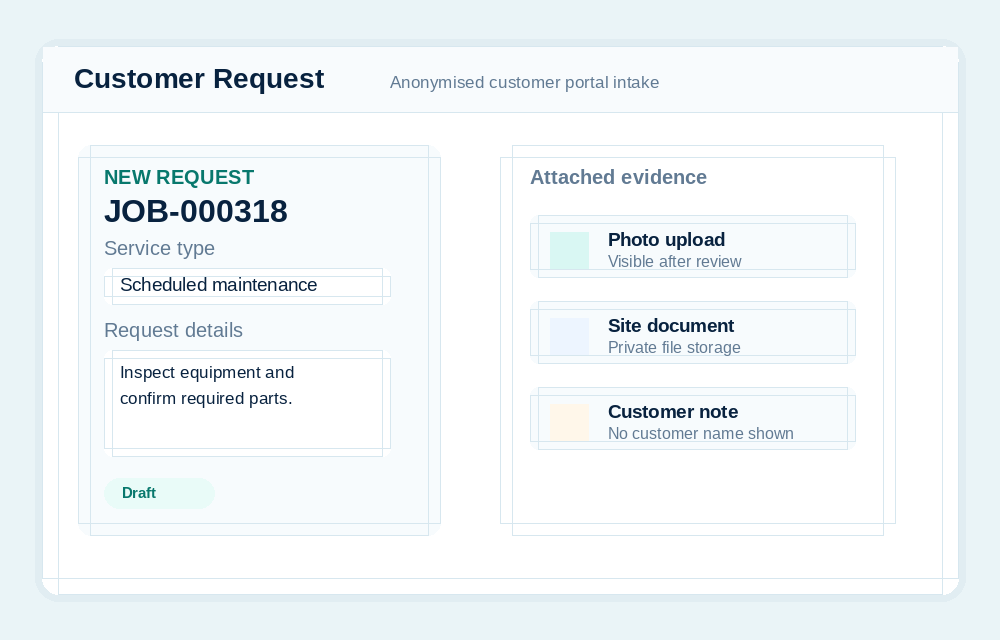
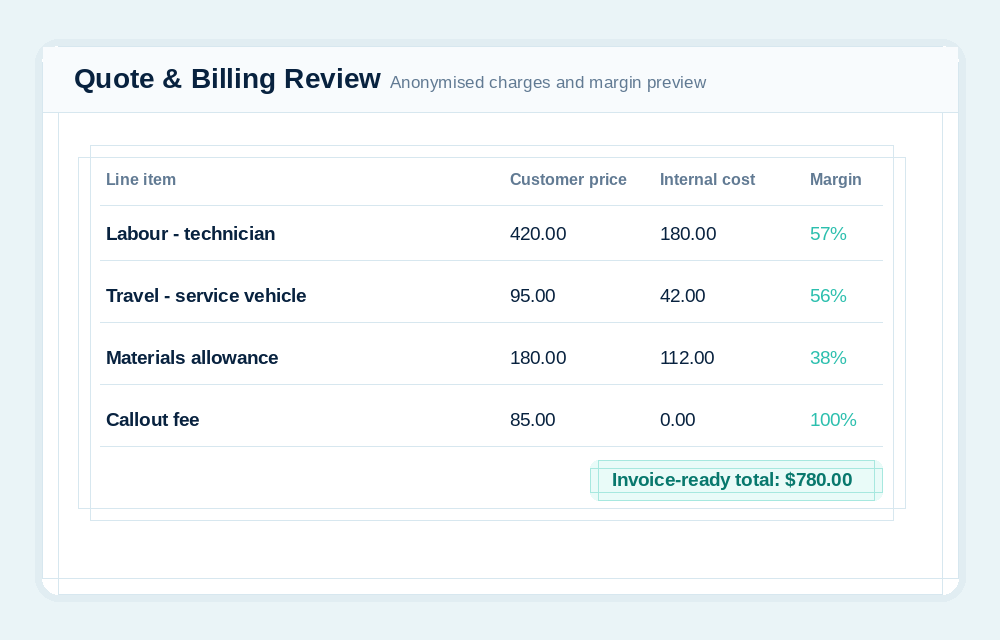
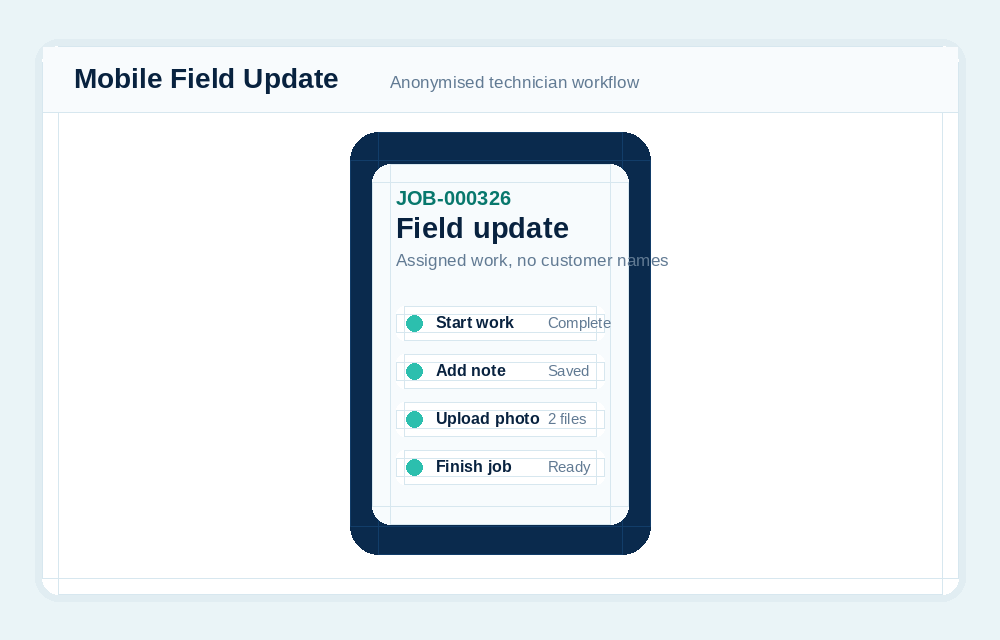
A reusable template can define the task order, required production details, checklist items, customer review wording, and workflow modules that apply to the job.
Artwork and proof versions use secure SharpFleet cloud storage for customer review. A branded token link lets the customer approve the current version or request changes without seeing internal costing.
The response appears in subscriber notifications and the job audit trail so production can continue from a recorded approval rather than an email that may be missed.
A complete job or one specialist task can be assigned to a subcontractor. Their secure work order provides the scope and lets them accept, start, update, upload photos or files, and complete the work.
Accepted, started, and completed events notify the subscriber. The agreed subcontractor amount remains available as internal cost while the subscriber controls the customer-facing billing description and price.
Completion wording can be chosen for pickup, installation, completed work, or another suitable update. The team can resend an additional notification before closing the job.
A completed job can optionally send a five-star survey and Google Review link. Low ratings alert the subscriber so a customer concern is visible quickly.
No. Templates can support fabrication, signage, workshop work, installation, specialist services, and other multi-stage production, as well as general and field service jobs.
Yes. A secure work order limits the subcontractor to their assignment while allowing progress updates, photos, files, and completion.
No. Custom tasks can be repositioned before work starts. Active and completed tasks remain fixed so the recorded workflow stays reliable.
SharpFleet Job Management can be used by teams that only need job management, quotes and customer portal workflows. It can also connect naturally with Fleet when vehicles, travel, technicians, deliveries or equipment are part of the work.
Start with Fleet, Jobs, or both. The important part is keeping the operational record clear enough that the team can quote, schedule, complete, bill and report without stitching together disconnected systems.
SharpFleet Assistant