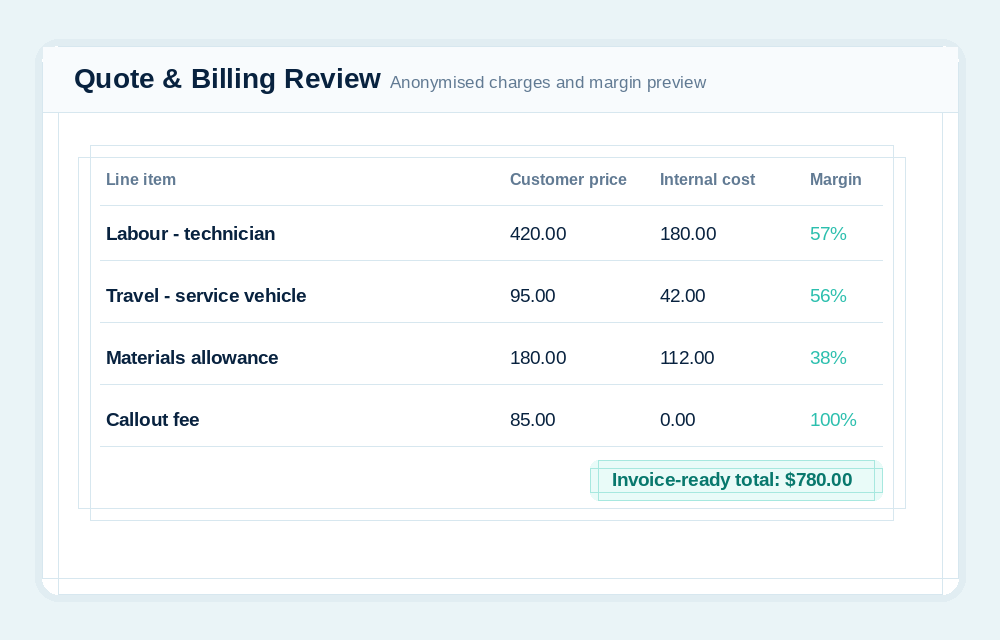
Can customers see internal costing?
No. Customer portal users see customer-facing job, quote, schedule, message and file information scoped to their account. Internal costing and private admin records stay internal.
SharpFleet is a connected operations platform for businesses that manage Jobs, Fleet, or both.
It connects quotes, configurable service and production workflows, customer approvals, subcontractors, field work, vehicles, deliveries, billing review, reporting, and optional GPS where enabled.
This page explains how the SharpFleet customer portal lets customers submit job requests, review quotes, see updates and access files while staying scoped to their own records.
Customers often want visibility without needing to email, call or chase status updates. SharpFleet Customer Portal gives them a controlled place to submit job requests, review quotes, see schedules, check progress and access relevant files.
The portal is customer-scoped, so customers see their own jobs and quotes without seeing internal notes, costing, fleet records or other customers.
These previews use generic job numbers and anonymised data only, so customer names, staff names, addresses, private files and real account details are not shown.
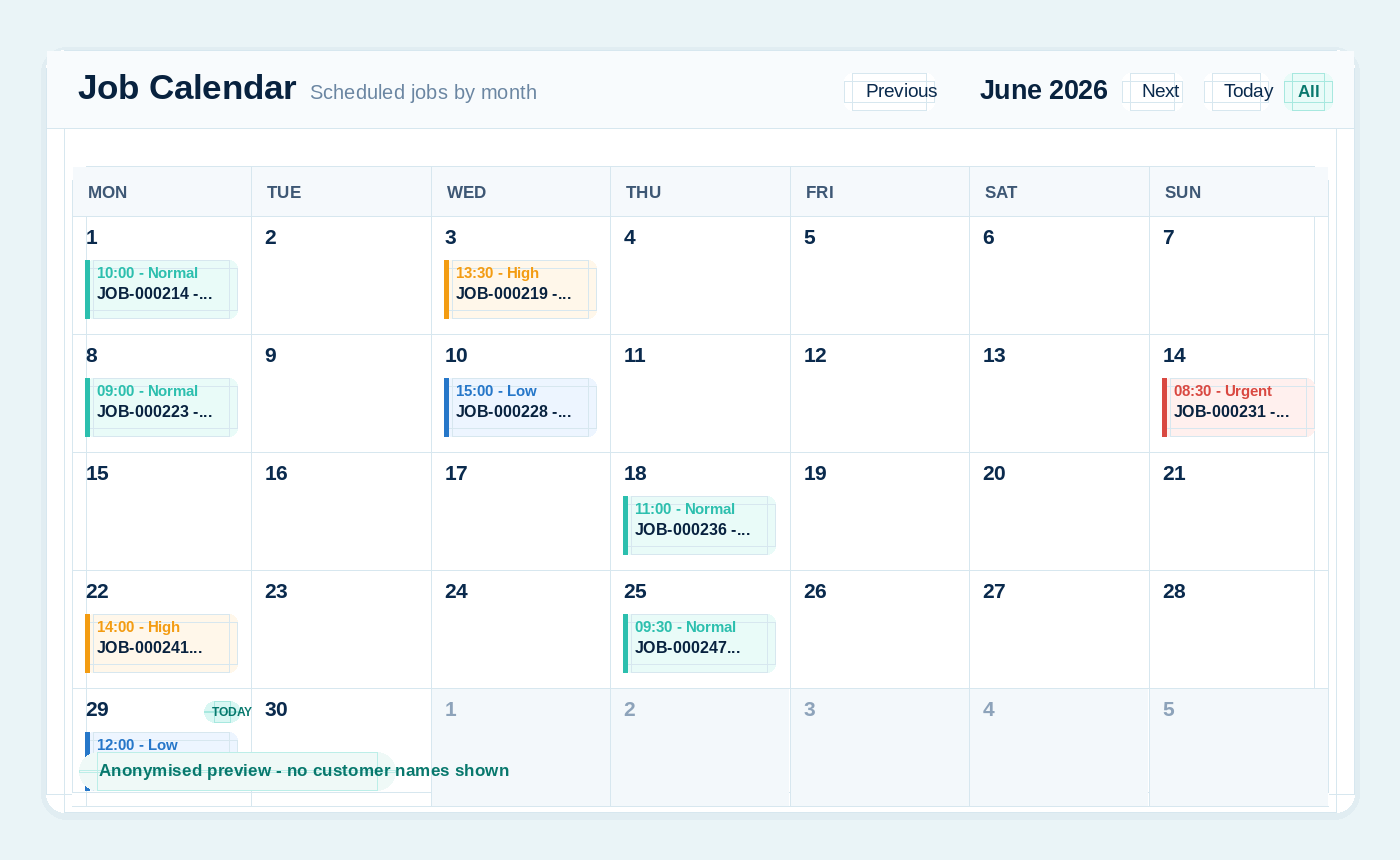
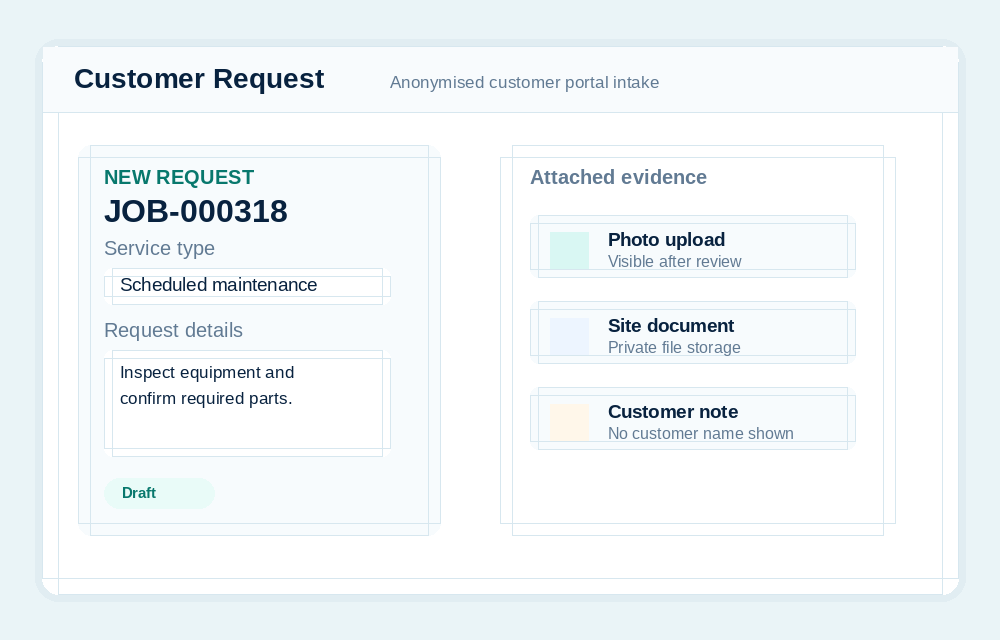
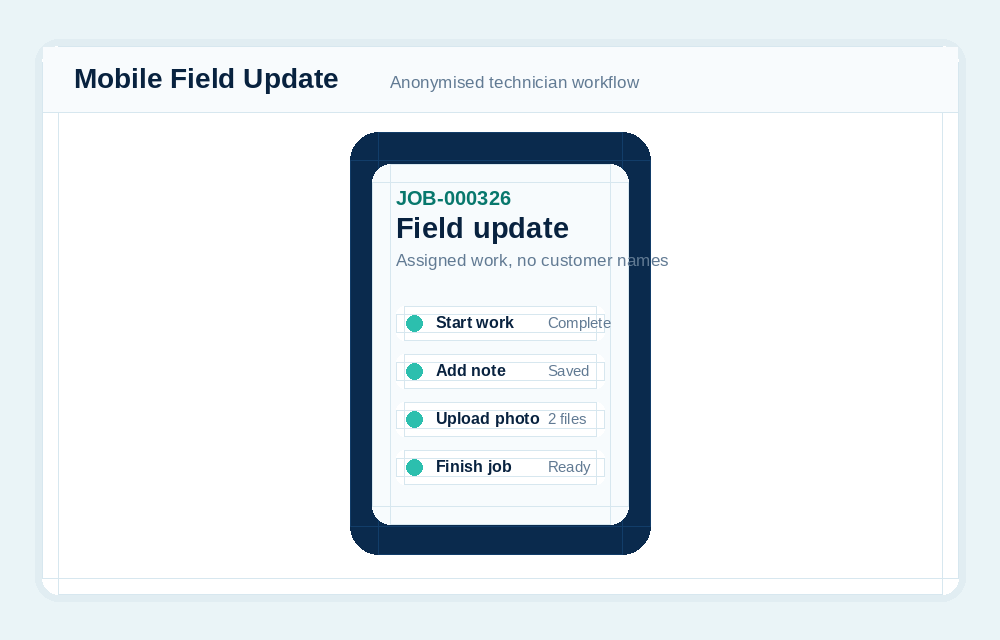
A good job request captures enough detail for the team to act. Customers can choose a site, describe the work, set urgency and upload supporting photos or documents.
Customers can review quotes through the portal, accept an approved version, request changes, or provide a purchase order number where required.
The business retains control over quote preparation and final billing decisions.
Customer portal users should not see everything the business knows. SharpFleet separates customer-facing information from internal costing, accounting controls, private notes and other customer records.
SharpFleet does not force every business into a print-specific or trade-specific workflow. Reusable templates can define general, remote, field service, workshop, or production tasks, including required details, approvals, internal assignments, subcontractor work orders, evidence, customer updates, billing review, and completion.
Explore production job workflows, proofs, and subcontractor work orders.
No. Customer portal users see customer-facing job, quote, schedule, message and file information scoped to their account. Internal costing and private admin records stay internal.
Yes. Customer portal workflows can support photos and documents so requests and job records have supporting evidence.
SharpFleet Job Management can be used by teams that only need job management, quotes and customer portal workflows. It can also connect naturally with Fleet when vehicles, travel, technicians, deliveries or equipment are part of the work.
Start with Fleet, Jobs, or both. The important part is keeping the operational record clear enough that the team can quote, schedule, complete, bill and report without stitching together disconnected systems.
SharpFleet Assistant