Can I change a scheduled job?
Yes. Scheduled bookings can be opened from the calendar and changed so the updated date and time are visible in the planning view.
SharpFleet is a connected operations platform for businesses that manage Jobs, Fleet, or both.
It connects quotes, configurable service and production workflows, customer approvals, subcontractors, field work, vehicles, deliveries, billing review, reporting, and optional GPS where enabled.
This page explains how SharpFleet Job Management supports field service scheduling, calendar planning, availability checks, technician assignment and vehicle assignment.
Scheduling a job should not feel like guessing. SharpFleet Job Management uses a full-month calendar view so planners can see existing work, urgent jobs, busy days and available gaps before choosing a day and time.
After selecting the slot, the team can assign an available technician and, where travel is required, a vehicle.
These previews use generic job numbers and anonymised data only, so customer names, staff names, addresses, private files and real account details are not shown.
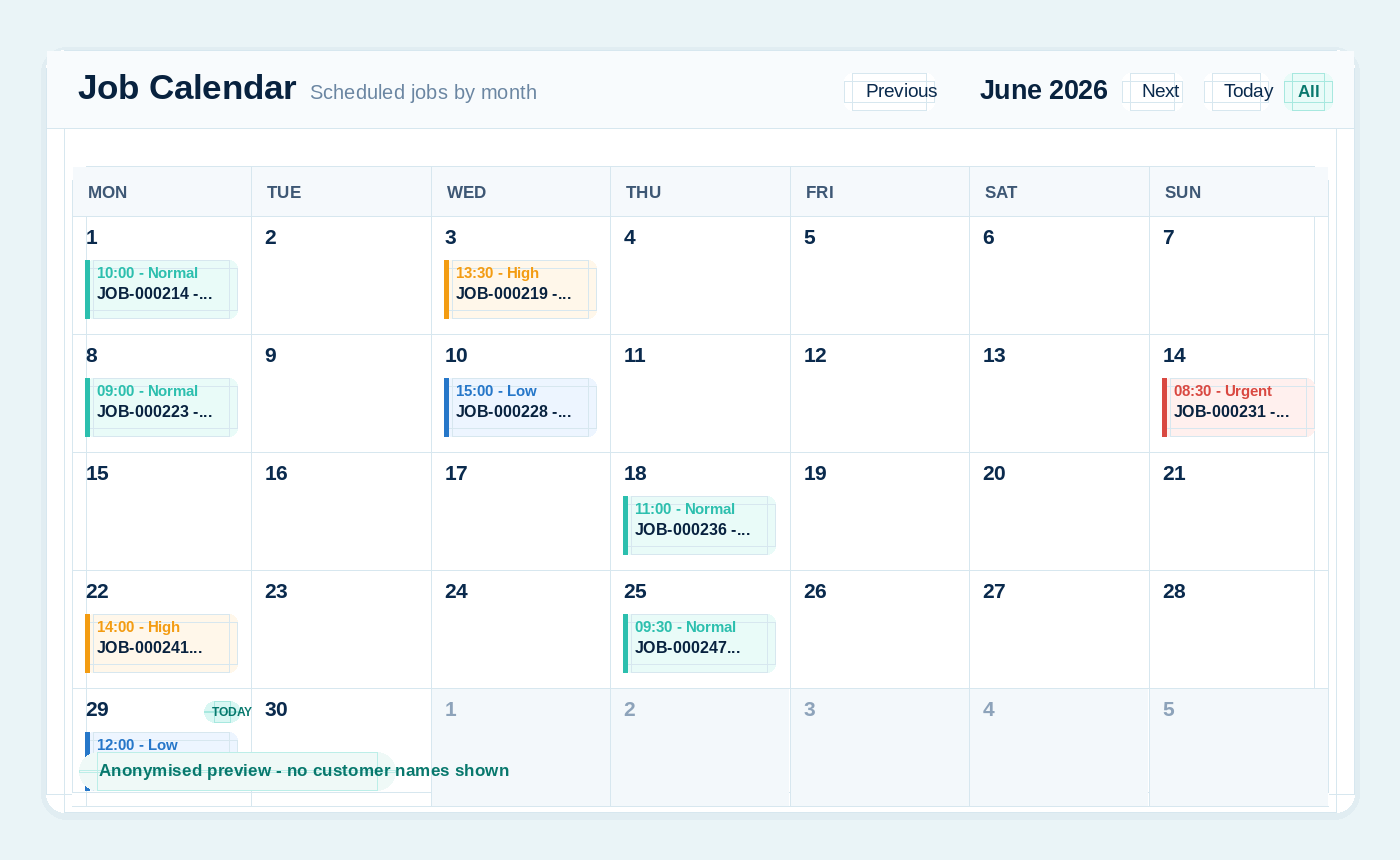
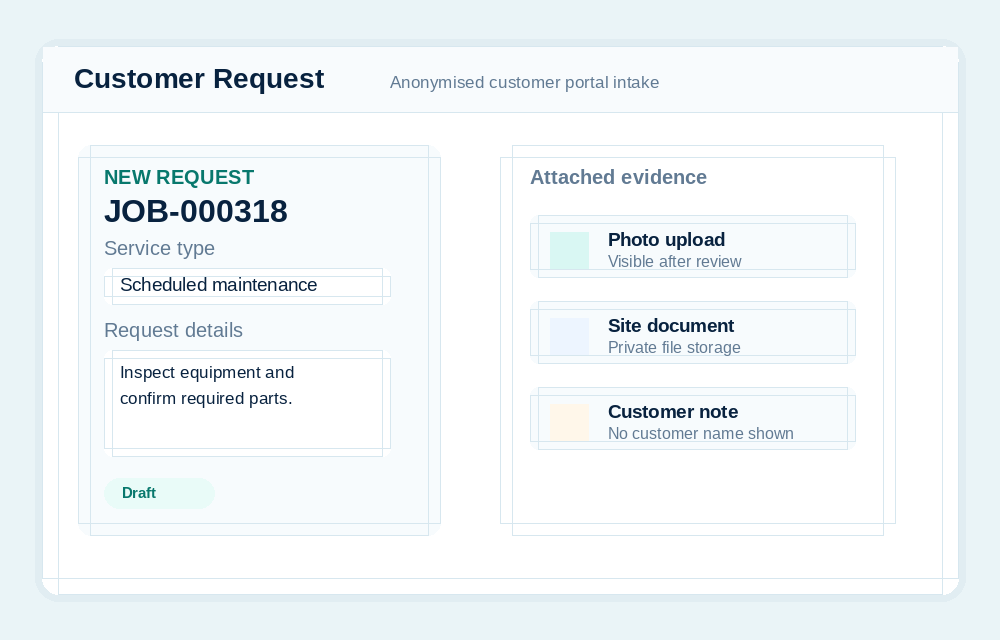
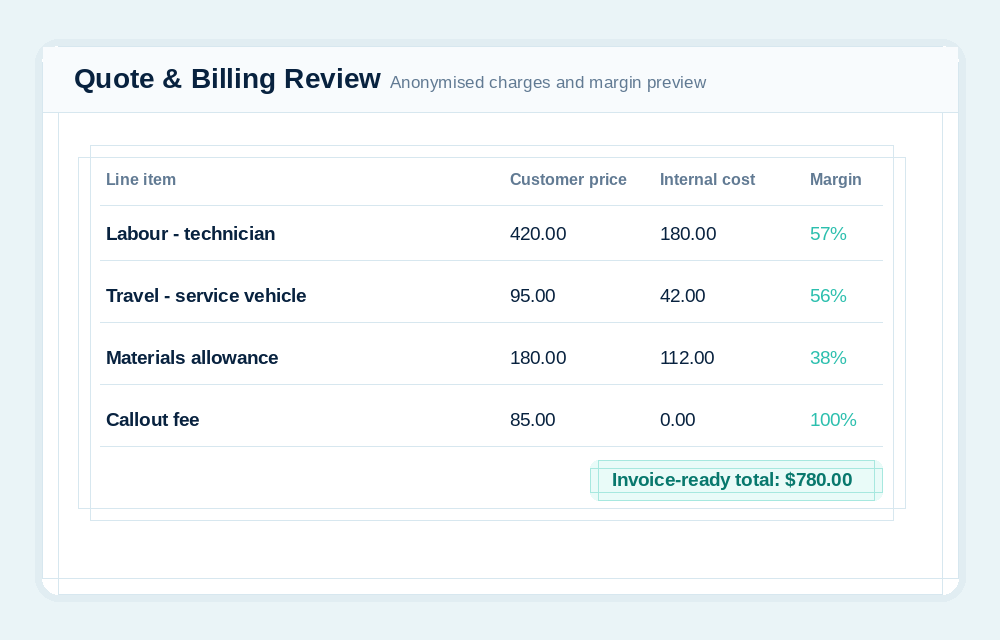
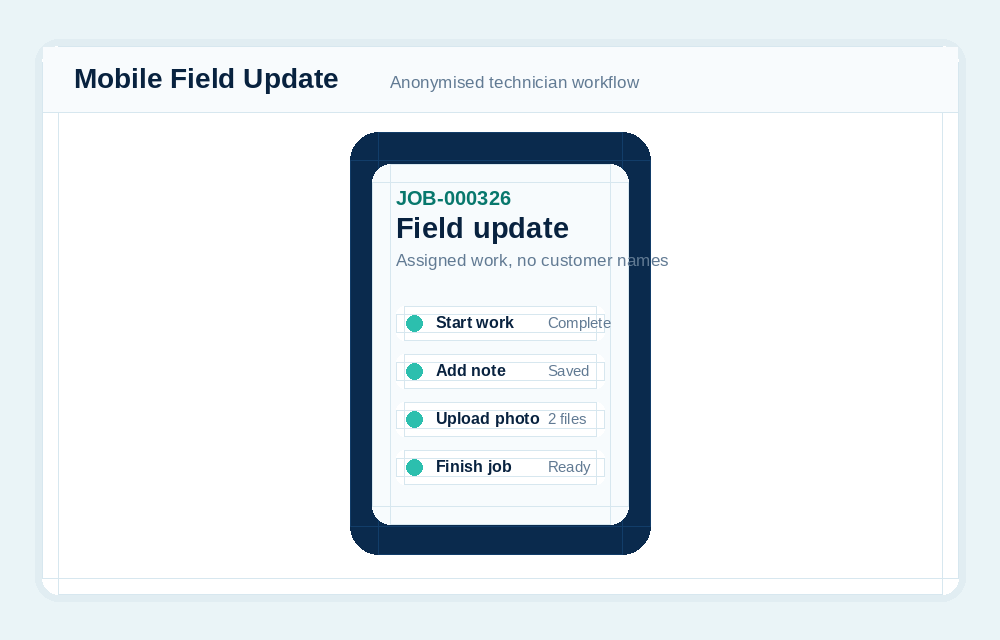
The scheduling workflow is designed around the calendar first. That makes it easier to understand what is already booked and where a new job can fit.
Once the time is chosen, SharpFleet can show available technicians and vehicles for that branch and time. Vehicle assignment can stay optional for remote, admin or no-travel work types.
Jobs move. Customers call. Urgent work arrives. Schedule changes should be visible and controlled, with existing bookings remaining clickable and understandable.
SharpFleet does not force every business into a print-specific or trade-specific workflow. Reusable templates can define general, remote, field service, workshop, or production tasks, including required details, approvals, internal assignments, subcontractor work orders, evidence, customer updates, billing review, and completion.
Explore production job workflows, proofs, and subcontractor work orders.
Yes. Scheduled bookings can be opened from the calendar and changed so the updated date and time are visible in the planning view.
No. Vehicles are only required where the job type or workflow requires travel. Remote or admin-style work can be scheduled without forcing a vehicle.
SharpFleet Job Management can be used by teams that only need job management, quotes and customer portal workflows. It can also connect naturally with Fleet when vehicles, travel, technicians, deliveries or equipment are part of the work.
Start with Fleet, Jobs, or both. The important part is keeping the operational record clear enough that the team can quote, schedule, complete, bill and report without stitching together disconnected systems.
SharpFleet Assistant