Can SharpFleet mark CSV invoiced jobs as invoiced?
Yes. CSV workflows can mark the job invoiced after the external accounting step is handled.
SharpFleet is a connected operations platform for businesses that manage Jobs, Fleet, or both.
It connects quotes, configurable service and production workflows, customer approvals, subcontractors, field work, vehicles, deliveries, billing review, reporting, and optional GPS where enabled.
This page explains how SharpFleet Job Management supports billing review, configurable tax labels, Xero, QuickBooks, CSV workflows and invoiced job locking.
SharpFleet does not try to replace the accounting ledger. It helps the operations team prepare a clean billing record first, then hand the invoice to Xero, QuickBooks or a CSV workflow.
That means quoted lines, actual work, travel, tax, totals, account codes and included charges can be reviewed before the job is marked invoiced.
These previews use generic job numbers and anonymised data only, so customer names, staff names, addresses, private files and real account details are not shown.
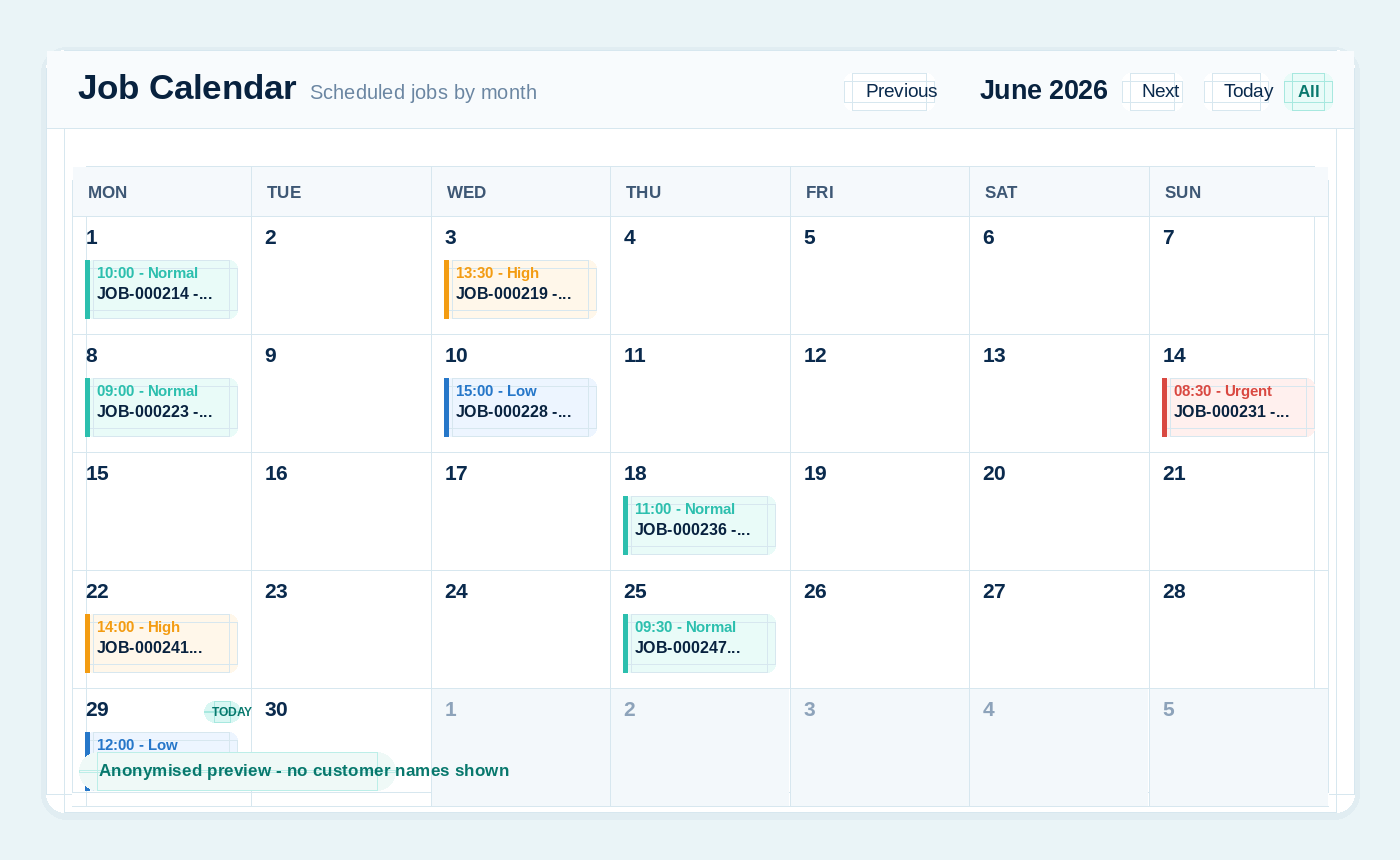
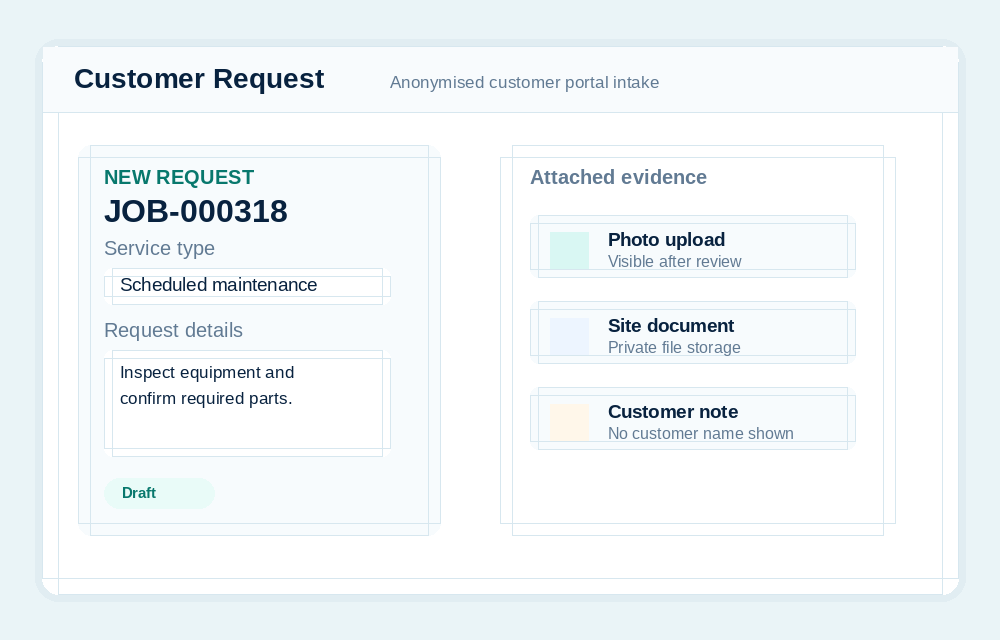
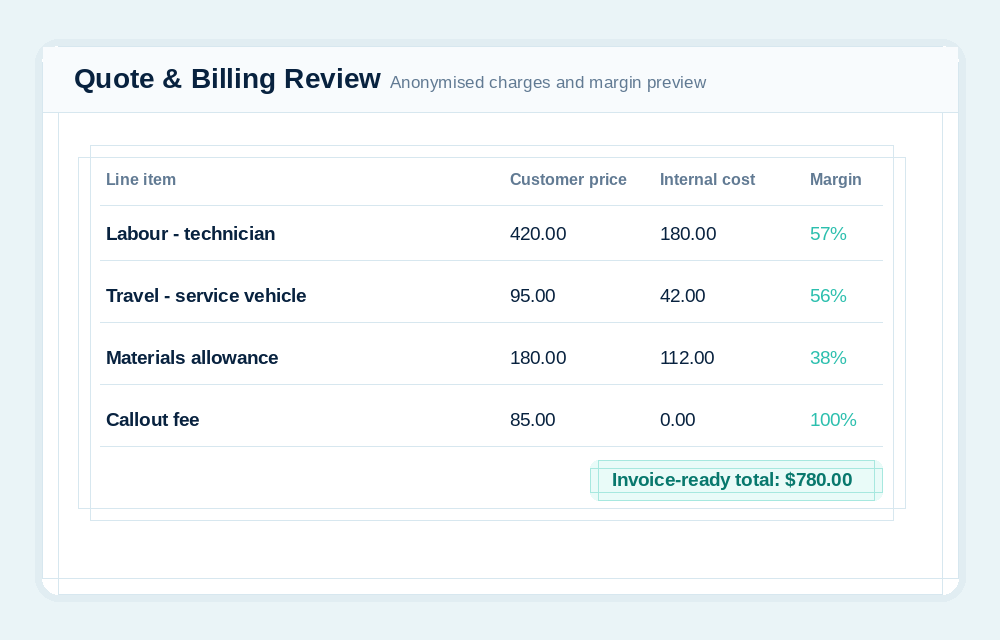
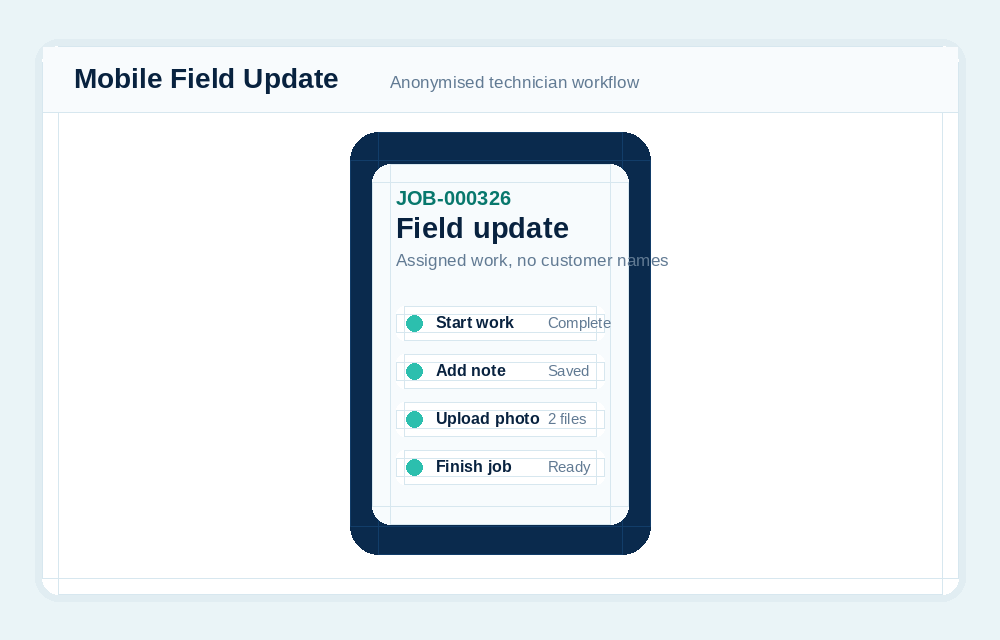
Billing is where the team confirms what should be charged to the customer and what should remain an internal cost.
Different regions use different tax language. SharpFleet supports configurable tax terminology and rates so Billing can show GST, VAT, Sales Tax or another business-specific label.
Connected accounting workflows can push invoices into Xero or QuickBooks. CSV workflows can still mark jobs invoiced after the invoice is handled externally.
Once a job is invoiced, SharpFleet locks the job against further operational and billing edits so the record stays aligned with what was sent.
SharpFleet does not force every business into a print-specific or trade-specific workflow. Reusable templates can define general, remote, field service, workshop, or production tasks, including required details, approvals, internal assignments, subcontractor work orders, evidence, customer updates, billing review, and completion.
Explore production job workflows, proofs, and subcontractor work orders.
Yes. CSV workflows can mark the job invoiced after the external accounting step is handled.
No. Invoiced jobs become read-only so the operational and billing record remains consistent.
SharpFleet Job Management can be used by teams that only need job management, quotes and customer portal workflows. It can also connect naturally with Fleet when vehicles, travel, technicians, deliveries or equipment are part of the work.
Start with Fleet, Jobs, or both. The important part is keeping the operational record clear enough that the team can quote, schedule, complete, bill and report without stitching together disconnected systems.
SharpFleet Assistant